Send the Samsara inspection file
Choose DOT transfer rather than a personal reference copy.
Choose where the logs go
Wireless Web Services and E-mail to DOT send inspection data. E-mail to Myself provides a reference copy. Transfer needs an internet connection. A personal copy is not proof that DOT received the file.
From Roadside Inspection, tap Transfer and address any app notifications.
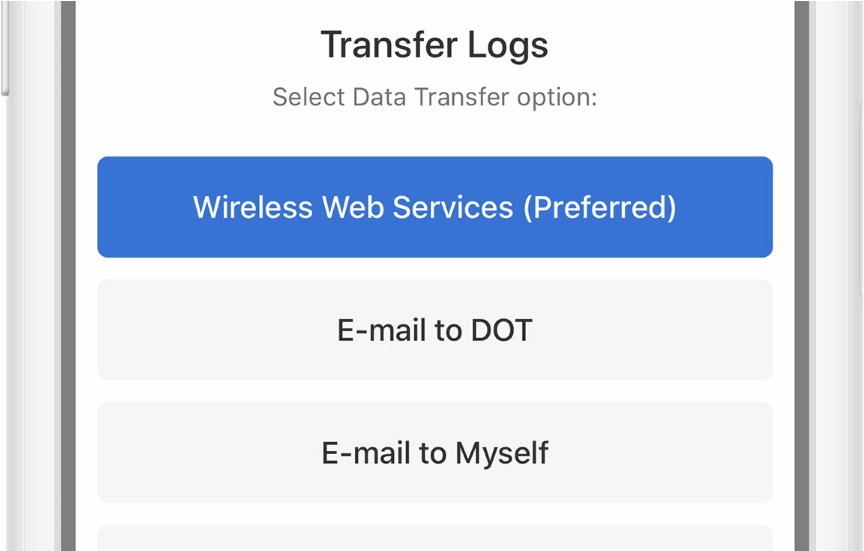
Choose the requested method, copy the routing details, then check the transfer result.
Send and check the result
- Choose the supported DOT method requested by the officer.
- Enter the supplied officer comment and follow the prompts.
- Check the transfer result and the officer’s receipt instructions.
If there is no connection, show the DOT inspection display as directed and troubleshoot. Contact the fleet administrator for missing-data errors.