Prepare the Samsara inspection view
Know what the inspection view is for before using its controls.
Viewing and sending are separate
Samsara’s Roadside Inspection view lets an officer review duty logs. Transfer sends the inspection file. Opening the view does not send anything. For an ordinary US inspection, have today and the previous seven days ready.
While safely parked, open the HOS roadside inspection workflow. Check driver, vehicle, dates, and required details. Compare the controls with the installed app version.
Use the date controls to check the day requested by the officer.
Use the date arrows
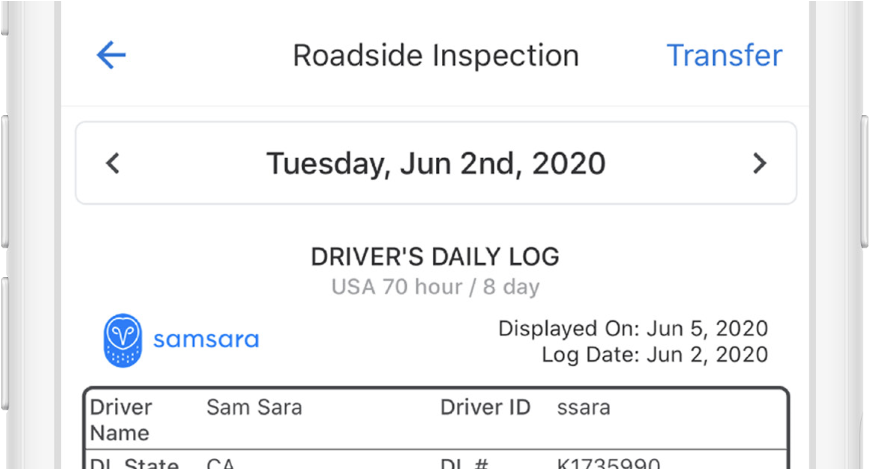
- Check the displayed driver and date.
- Use the arrows to review a previous day.
- Address app notifications before transfer.
Try it before roadside
Find yesterday’s log, then return to today. The next lesson covers sending the file.